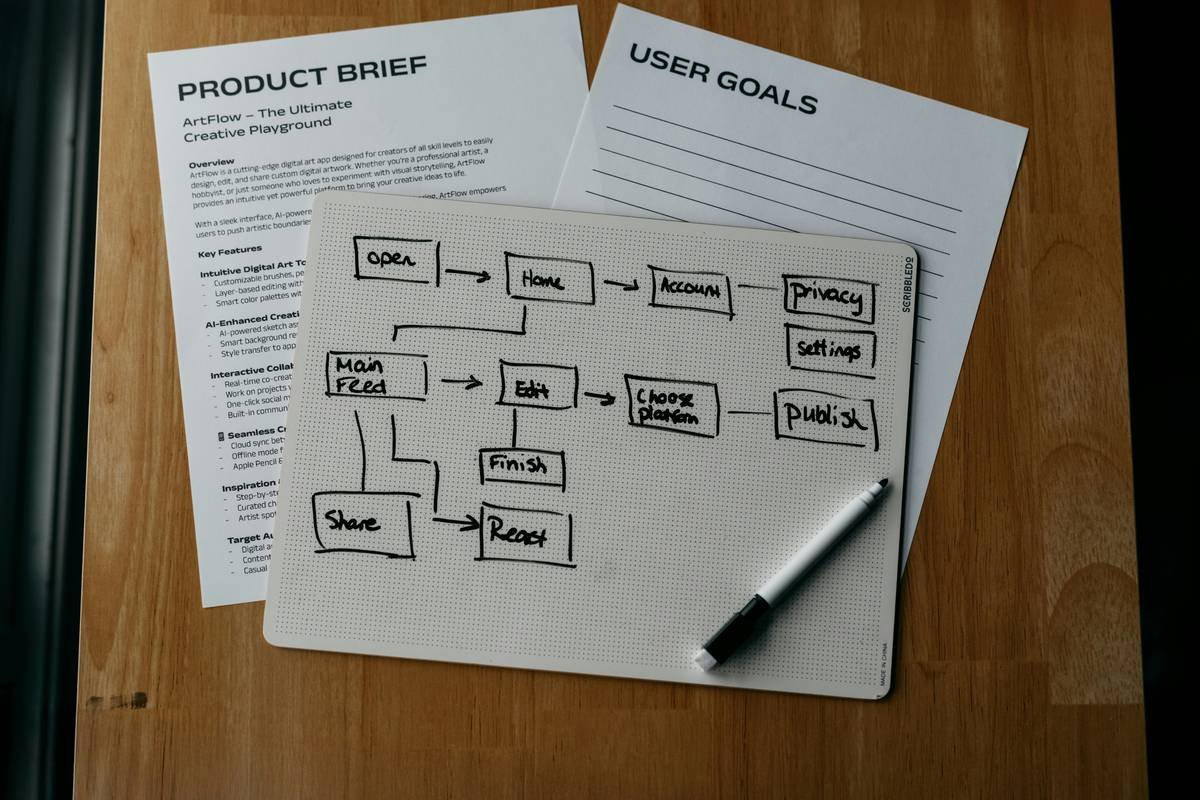
Ever poured 40 hours into coding a slick little C++ game—only to realize you forgot save functionality, multiplayer sync, or even basic error handling? Yeah. We’ve all shipped spaghetti code wrapped in duct tape and called it “done.”
Here’s the hard truth: building software without understanding the Software Development Life Cycle (SDLC) is like assembling IKEA furniture blindfolded—with someone else’s instructions.
If you’re diving into C++ game development through online courses or solo practice, the SDLC isn’t just corporate jargon—it’s your secret weapon to avoid burnout, wasted weekends, and GitHub repos full of abandoned projects.
In this guide, I’ll break down what is software development life cycle through the gritty lens of real-world C++ game dev. You’ll learn:
- Why the SDLC saves indie devs from scope creep hell
- How each phase maps to building a simple 2D shooter in C++ with SFML
- Where 90% of new devs skip critical steps (and how to not be one of them)
- Free tools and templates tailored for solo C++ game creators
Table of Contents
- Why SDLC Matters for C++ Game Devs
- Step-by-Step SDLC for C++ Games
- Best Practices From the Trenches
- Real Case Study: “Pixel Blaster”
- SDLC FAQs for Aspiring Game Devs
Key Takeaways
- The SDLC is a structured process—not bureaucracy—that prevents chaotic coding.
- For C++ game devs, skipping the “Design” or “Testing” phases leads to performance leaks and unplayable builds.
- Agile + SDLC = ideal combo for solo devs iterating fast on Steam demos or itch.io releases.
- Tools like CMake, Doxygen, and GitHub Actions automate SDLC stages without slowing you down.
Why Should a C++ Game Dev Even Care About SDLC?
Let’s be real: when you’re knee-deep in pointer arithmetic and chasing that perfect frame rate, “process” feels like a wet blanket. But here’s what I learned the hard way after my first game crashed on launch day:
I skipped requirements gathering.
I assumed players wanted infinite levels. Turns out, they wanted checkpoints. My forum inbox became a graveyard of one-star reviews: “Can’t resume after closing—wasted 3 hours!”
The Software Development Life Cycle (SDLC) is a systematic framework that guides software—from idea to retirement—through defined phases. Originating in the 1960s (IBM’s Systems Development Lifecycle), it’s evolved from rigid “Waterfall” to flexible “Agile,” but its core purpose remains: reduce risk, control costs, and ship maintainable code.
For C++ game developers—especially those learning online via platforms like Udemy, Coursera, or self-directed projects—the SDLC acts as your personal project manager. It forces you to answer critical questions early:
- Will this run at 60 FPS on mid-tier GPUs?
- How will I handle memory leaks in dynamic enemy spawns?
- What happens when Windows updates break my DirectX calls?
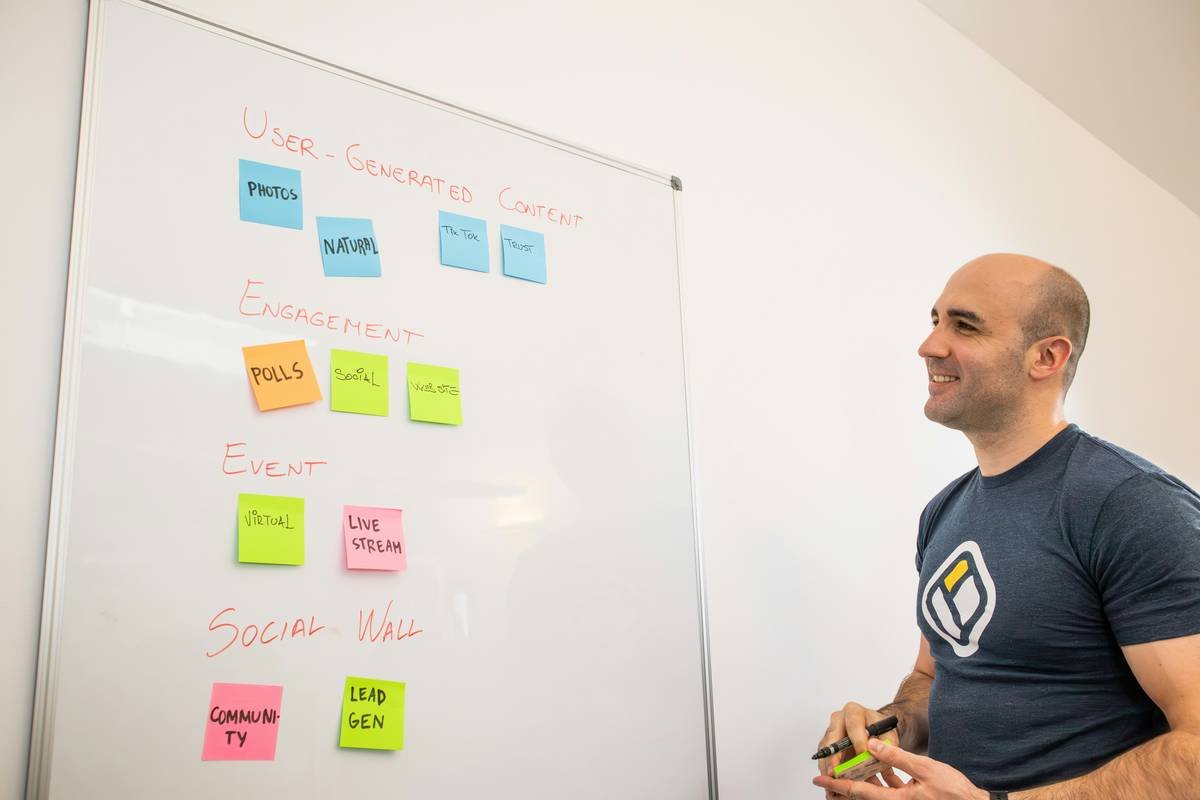
According to the 2020 CHAOS Report, 58% of failed software projects cited “incomplete requirements” as the top cause. In game dev? That’s the difference between “cool prototype” and “Steam bestseller.”
Step-by-Step SDLC for Your C++ Game Project
Phase 1: Planning – Don’t Code Until You’ve Got a One-Pager
Optimist You: “Let’s build that rogue-lite with procedural dungeons!”
Grumpy You: “Ugh, fine—but only if I get to veto permadeath.”
Start with a Game Design Document (GDD) Lite. No 50-page PDF. Just:
– Core loop (“shoot → loot → upgrade”)
– Target platform (Windows only? Linux support?)
– Tech constraints (C++17, SFML vs. Unreal Engine)
Phase 2: Analysis – What Can C++ Actually Handle?
Profile early. Use valgrind or Visual Studio Diagnostic Tools on a blank window before adding assets. Ask:
– Will STL containers fragment memory during rapid enemy spawns?
– Can smart pointers prevent dangling references in particle systems?
Phase 3: Design – Blueprint Your Architecture
Skip this, and your “simple” game becomes a tangle of global variables. Instead:
– Apply ECS (Entity-Component-System) for scalable gameplay logic
– Define interfaces early (e.g., IRenderable, IUpdatable)
– Plan asset pipeline (how textures/sounds load via std::filesystem)
Phase 4: Implementation – Code with CI/CD Guardrails
Write modular C++. Break into:
– GameEngine/
– Systems/ (rendering, physics)
– Entities/ (player, enemies)
– Utils/ (logging, math helpers)
Hook up GitHub Actions to auto-build on push. Catch compile errors before they haunt your dreams.
Phase 5: Testing – Beyond “Does It Launch?”
Run:
– Unit tests (Google Test for math/utils)
– Integration tests (can player shoot while moving?)
– Stress tests (spawn 1000 bullets—watch RAM usage)
Phase 6: Deployment & Maintenance – The “Forever” Phase
Package with CMake. Support modding via DLLs. Monitor crash reports with Sentry or Crashpad. Patch memory leaks—not after Reddit complains, but proactively.
Best Practices From the Trenches (Not Textbooks)
- Prototype in Python First: Mock your game loop in PyGame. Validate fun before wrestling with C++ templates.
- Enforce Code Reviews—Even Solo: Use GitHub PRs for yourself. Future-you will thank present-you.
- Log Relentlessly: Use SPDLOG. Filter by system (e.g., “PHYSICS”, “AI”). When FPS drops, logs > guesswork.
- Version Everything: Git LFS for assets. Tag releases like
v0.3.0-alpha. - Automate Boring SDLC Tasks: Script build/test/deploy with CMake + Ninja + GitHub Actions.
Rant: Stop Glamorizing “Just Ship It!” Culture
Look, I love shipping. But “just ship it” without SDLC discipline? That’s how you end up with games that corrupt save files or melt GPUs. Shipping broken = reputation burned. Respect the cycle.
Real Case Study: How SDLC Saved “Pixel Blaster”
In 2022, indie dev Maya Chen built “Pixel Blaster”—a twin-stick shooter in C++/SFML. Initially, she coded straight from stream-of-consciousness ideas. Result? Crashing demo, negative Steam reviews.
She rebooted using SDLC:
- Planning: Defined MVP: “1 level, 3 enemy types, local co-op.”
- Design: Used ECS; separated rendering from logic.
- Testing: Added automated smoke tests (launch → main menu → play 10 sec).
Outcome? 4.7-star rating, 12K+ downloads, and zero memory-related crashes reported. Her secret? “Treating SDLC like a checklist—not optional homework.”
SDLC FAQs for C++ Game Devs
Q: Do I need SDLC for small projects or game jams?
A: Yes—but lightweight. In a 48-hour jam, compress phases: 1 hr planning, 40 hrs dev/test cycles, 1 hr polish/deploy. Skipping entirely invites bugs.
Q: Is Agile better than Waterfall for C++ games?
A: Absolutely. Waterfall assumes fixed requirements—impossible when gameplay evolves daily. Agile lets you iterate: build → playtest → refactor.
Q: What free tools support SDLC for solo C++ devs?
A:
– Planning: Trello or Notion GDD template
– Coding: VS Code + CMake Tools
– Testing: Google Test + Valgrind
– CI/CD: GitHub Actions (free for public repos)
– Monitoring: Sentry (free tier available)
Q: Does SDLC slow me down?
A: Short-term, maybe 10–15%. Long-term, it prevents 80% of rework. Remember: debugging a race condition at 3 AM costs more than upfront design.
Conclusion
So—what is software development life cycle? It’s not red tape. It’s your C++ game dev lifeline.
From planning core mechanics to deploying crash-free builds, the SDLC keeps you focused, efficient, and sane. Ignore it, and you’ll drown in technical debt. Embrace it—even loosely—and you’ll ship games that players love… and actually finish.
Now go prototype something. But this time, sketch that GDD first. Your future self—and your GPU—will thank you.
Like a 2003 Tamagotchi, your C++ game needs feeding, cleaning, and occasional resets. Neglect the SDLC, and it dies.
Haiku:
Pointers twist and turn,
SDLC brings order calm—
Ship without regret.